01
Kreirajte svoju proslavu
Postavite svoje vjenčanje i počnite stvarati prekrasno iskustvo oko svog posebnog dana.
Evermore gradi jednostavniji način da organizujete cijelo svoje vjenčanje. Započnite već danas s prekrasnim digitalnim pozivnicama i prerastite u potpuno vjenčano iskustvo.
Besplatno za korištenje. Bez pretplate.
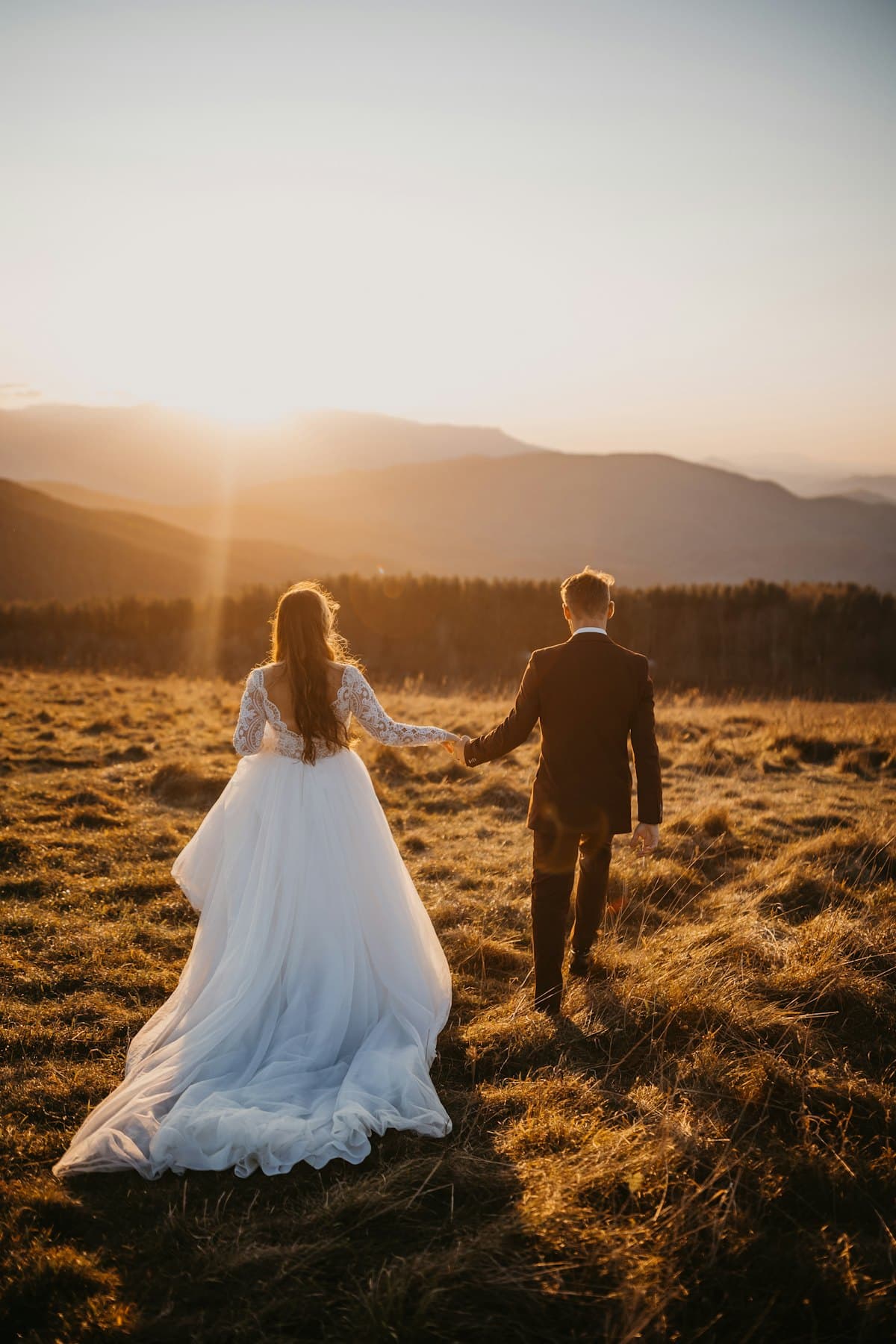
Vaša proslava
Jedan link koji vaši gosti mogu otvoriti bilo gdje.
Besplatno
Bez mjesečne pretplate
100 gostiju
Uključeno u besplatnom paketu
Jedno mjesto
Raste zajedno s vašim vjenčanjem
Kako Evermore funkcioniše
Započnite s onim što vam treba danas. Kako Evermore raste, sve više vašeg vjenčanja može živjeti na istom mjestu.
Postavite svoje vjenčanje i počnite stvarati prekrasno iskustvo oko svog posebnog dana.
Podijelite digitalnu vjenčanu pozivnicu putem jednog jednostavnog linka koji radi na svakom uređaju.
Kako Evermore raste, pozivnice, gosti, raspored sjedenja, planiranje i još mnogo toga povezat će se u jednom radnom prostoru.
Upotpunite proslavu fizičkim pozivnicama, banerima dobrodošlice, natpisima i budućim Evermore proizvodima.
Dostupno odmah
Evermore tek počinje. Digitalne pozivnice su prvi korak ka potpunoj platformi za vjenčanja.
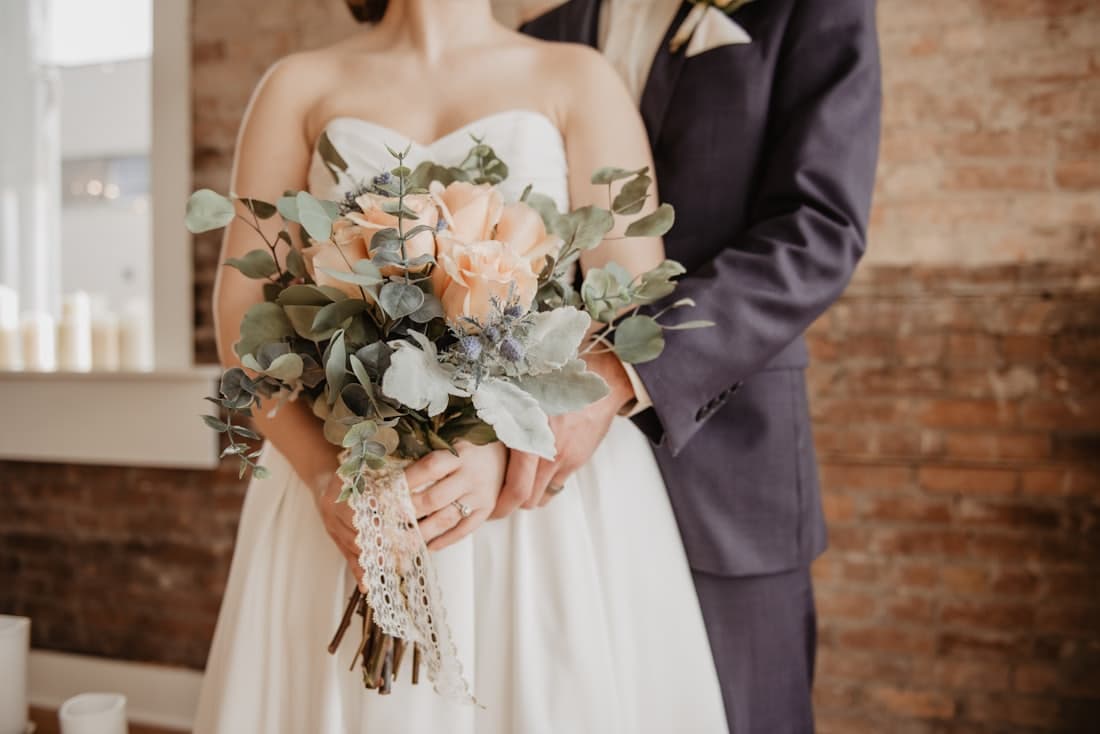
Sve što vaši gosti trebaju, na jednom prekrasnom mjestu.
Kreirajte prekrasnu vjenčanu pozivnicu i podijelite je s gostima putem jednog jednostavnog linka.
Omogućite gostima jednostavan način da pogledaju i podijele uspomene s vaše proslave.
Kreirajte dotjeran digitalni prostor oko svog vjenčanja koji gosti mogu otvoriti na bilo kojem uređaju.
Osmišljeno oko vaše proslave
Zamijenite ovaj rezervirani prostor snimkom vašeg alata za pozivnice ili objavljene pozivnice.
Zamijenite ovaj rezervirani prostor snimkom vaše javne stranice za goste.
Zamijenite ovaj rezervirani prostor stvarnom snimkom vaše Evermore pozivnice ili stranice za goste.
Budućnost Evermorea
Gradimo Evermore u jedno povezano mjesto za sve što okružuje vašu proslavu.
Prikupljajte odgovore gostiju i držite važne detalje vjenčanja organizovanim na jednom mjestu.
Izgradite i upravljajte kompletnom listom gostiju kako se vaši planovi budu slagali.
Isplanirajte stolove, organizujte prostor i pomozite svakom gostu da pronađe svoje mjesto.
Držite više detalja svoje proslave povezano unutar jednog radnog prostora.
Kreirajte dizajne za zahvalnice, natpise dobrodošlice, stolne prikaze i još mnogo toga.
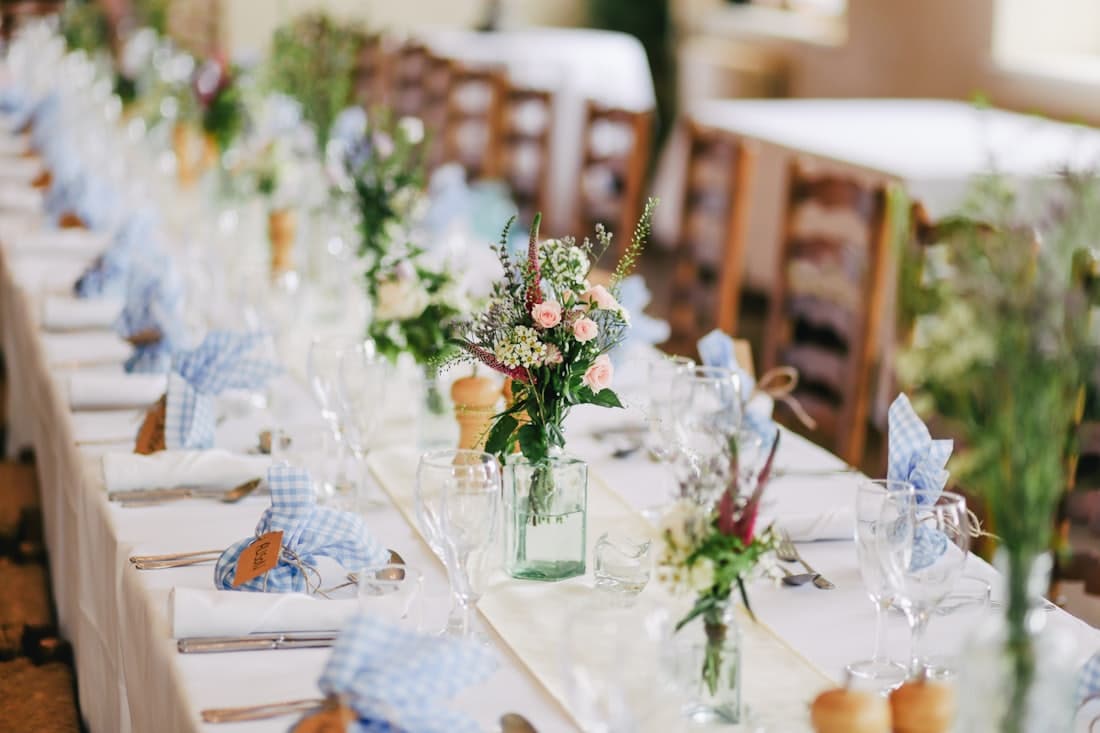
Svaki sto, svaki gost, svaki detalj — povezano.
Besplatno za korištenje
Evermore je besplatan jer vjerujemo da organizacija vjenčanja ne bi trebala značiti još jedan mjesečni račun. Koristite platformu za kreiranje i dijeljenje svog vjenčanog iskustva bez plaćanja pretplate.
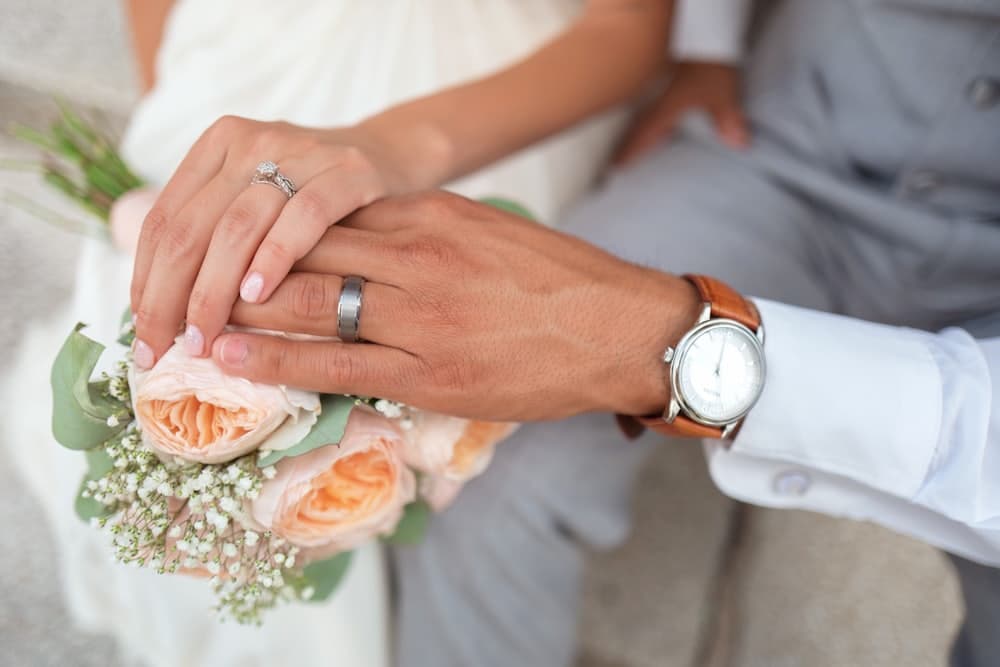
Trebate nešto više?
Evermore ne gradi samo digitalne alate. Stvaramo asortiman prekrasnih fizičkih proizvoda osmišljenih da vaše vjenčano iskustvo prenesu u stvarni svijet.
Veća vjenčanja i dodatne potrebe također mogu biti podržani kroz proizvode i usluge dostupne od Evermorea.
Istražite proizvode za vjenčanjeIzvan platforme
Digitalno je tek početak. Evermore prerasta u kolekciju proizvoda za svaki dio vašeg vjenčanja.
 01
01Pretvorite dizajn svog vjenčanja u prekrasno odštampane pozivnice za goste.
 02
02Ostavite nezaboravan prvi utisak kada vaši gosti stignu na proslavu.
 03
03Od prikaza rasporeda sjedenja do stolnih natpisa, prenesite svoje vjenčano iskustvo u prostor.
Naša vizija
Od prve pozivnice do natpisa koji dočekuju goste u vašem prostoru, Evermore se gradi da podrži svaku fazu vašeg vjenčanja.
Česta pitanja
Da. Evermore ne zahtijeva mjesečnu pretplatu. Neke funkcije imaju praktična ograničenja, uključujući maksimalno 100 gostiju i ograničenja na fotografije u QR galeriji.
Za veće proslave ili dodatne potrebe moći ćete kontaktirati Evermore i istražiti dostupne proizvode i usluge osmišljene za vaše vjenčanje.
Evermore se trenutno fokusira na digitalne vjenčane pozivnice i iskustvo za goste oko njih. Više alata i proizvoda za organizaciju vjenčanja dodavat će se vremenom.
Da. Naša vizija je izgraditi Evermore u potpunu platformu za organizaciju vjenčanja, s upravljanjem gostima, rasporedom sjedenja, alatima za planiranje, natpisima, fizičkim proizvodima i još mnogo toga.
Da. Evermore raste izvan digitalnih alata. Fizičke pozivnice, baneri dobrodošlice, vjenčani natpisi i dodatni proizvodi dio su šireg Evermore asortimana.
Ne. Vaši gosti mogu pristupiti vjenčanom iskustvu putem linka koji im pošaljete.
Kreirajte svoju digitalnu vjenčanu pozivnicu već danas i budite dio onoga što Evermore postaje.
Kreiraj pozivnicuBesplatno za korištenje. Bez pretplate.

